Guide AI writing and marketing
How to Write YouTube Scripts with AI (2026): A Free Workflow That Doesn't Sound Robotic
You don't need a paid AI YouTube script writer. Free ChatGPT, Claude and Gemini plans, plus YouTube's own Ask Studio, can handle research, hooks, outlines and edits. A five-step workflow with copy-ready prompts, an editing checklist and what YouTube's rules say. Checked 28 Oct 2026.

Research-based overview: we have not tested this hands-on yet, so there is no score. Facts come from the makers' own pages, linked below.
On this page
- The short answer
- What you need (all free)
- Before you start: make a voice card
- The five-step workflow
- Anti-robotic editing checklist
- Shorts version (60 seconds or less)
- Writing scripts in other languages
- Does YouTube allow AI-written scripts?
- The Inspiration tab is going away
- What we checked, and what still needs testing
- Mistakes to avoid
- FAQ
- Related
The short answer
You don’t need a paid “AI YouTube script writer”. The free plans of ChatGPT, Claude and Gemini, plus YouTube’s own Ask Studio, can do the research, hooks, outline and editing. What makes a script good is the part AI can’t supply: your stories, your opinions and your facts. This guide gives you a five-step workflow, copy-ready prompts and an editing checklist, all of which cost $0.
- Free assistants are enough to start. Use one at a time and keep the same instructions in each.
- AI does structure, questions and edits. You supply stories, opinions and facts. If the AI invents a story or a number, cut it.
- Read every line aloud. If you stumble, your viewers will.
- YouTube’s rules are on your side if you’re original. Its disclosure page lists using generative AI “to create or improve a video outline, script, thumbnail, title, or infographic” among things you don’t need to disclose. Its monetization page lists “AI-generated content made with generic or unoriginal templates” among things that can’t earn.
Research-based guide. We have not run these prompts ourselves yet. The workflow and prompts are our own suggestions. The facts about plans and rules come from the official pages named in the sources, checked on the dates given. We make no claim about which assistant writes better scripts, because we haven’t tested that.
What you need (all free)
You need a free account on at least one assistant. YouTube’s Ask Studio is built into YouTube Studio, and its help page names no price. We’d call it “built in”, not “free forever”. The table shows what each tool is useful for in this workflow. That’s our suggestion, not a test result.
| ChatGPT Free | Claude Free | Gemini Free | YouTube Ask Studio | |
|---|---|---|---|---|
| Price | $0 | $0 | $0 with a Google Account | Built into YouTube Studio; no price on its help page |
| Features named on the official pages | Text chats subject to abuse limits; web search; limited file and image uploads | Web search; memory; Projects (up to 5); Skills; Artifacts | Deep Research; Canvas; Gems | Brainstorm ideas; channel insights; paste a script for feedback; review draft, private or unlisted videos |
| Limits | Uploads, images, voice and data analysis have separate limits | Usage runs in a rolling five-hour window | Paid tiers give “2x” and “4x” the usage of Free; Free limits unconfirmed | Computer browser only; not for Official Artist Channels, Made for Kids channels or under-18s |
| Watch-outs | Ads “may appear in the Free tier in certain countries”; content may train models, opt-out available | Model training opt-out available | Availability in 230+ countries and territories for the web app | Conversations kept up to 30 days; human reviewers may read them |
| Our suggested job | Hooks, title ideas, tightening | Long outlines and draft clean-up in a Project that holds your voice card | Research with Deep Research (check every source) | Final script feedback before you record |
We don’t name ChatGPT’s free model, because OpenAI’s pricing page and its Help Center named different models on the day we checked. Gemini’s exact free limits are unconfirmed.
For plans, prices and business use, see our ChatGPT vs Claude vs Gemini comparison. We won’t repeat it here.
If you hit a free limit. Paid plans exist, and you don’t need one to follow this guide. For reference, US prices we re-checked on 28 October 2026: Claude Pro $17 a month on a yearly plan or $20 billed monthly; Google AI Plus $4.99 a month and AI Pro $19.99 a month. Claude says its prices exclude tax. ChatGPT’s USD prices came from an OpenAI Learn page on 27 October (Go $8, Plus $20 a month) that we couldn’t confirm on the live pricing page, so check there. Paid “AI script writer” apps also exist. We haven’t checked their prices, and you don’t need one to start.
Before you start: make a voice card
This is the single biggest fix for scripts that sound robotic. It takes about five minutes, once (our estimate). Paste it at the top of every chat, in any assistant, with no special features needed. If you want to save it, Claude Projects and Gemini Gems can both hold it.
VOICE CARD — paste at the top of every chat
Channel: [name], about [topic] for [who]
I sound like: [3 words, e.g. calm, blunt, funny]
I say things like: "[2–3 real phrases you use]"
I never say: "delve", "in today's video", "game-changer", "let's dive in", "unlock", "in conclusion" [add your own]
My viewers already know: [...]  They don't know: [...]
Sentence length: short. Contractions: yes. Reading level: a smart 14-year-old.
Language: [English / Spanish / French ...]
Rules: Don't invent facts, numbers, quotes or personal stories. If you need one, write [ADD STORY] or [CHECK FACT].
The banned-phrase list is our editorial suggestion, not research. We don’t claim any detector flags those words.
The five-step workflow
Each step gives you the goal, a prompt to copy, and what you must add yourself. Put your voice card at the top of every prompt.
Step 1: Research and angle
Goal: find what your viewers ask and an angle only you can take. The AI is your research assistant. You are the fact-checker.
[voice card]
I'm making a [length]-minute video on: [topic].
1) List 10 questions my viewers actually ask about this. 2) Which 3 are most under-answered? 3) Give me 3 angles only I could take, based on: [your experience/opinion in 2 lines].
Do not give statistics. If a fact matters, tell me what to look up and where (official source type).
You add: pick the angle and verify every fact on the original source. Our rule: no number goes in the script unless you opened the source yourself. Gemini’s Deep Research gives links you can follow, or you can search yourself.
Step 2: Hooks
Goal: the first 15 to 30 seconds.
[voice card]
Angle: [chosen angle]. Write 8 opening lines (max 2 sentences each) in different styles: a bold claim I can prove, a question, a mistake I made, a surprising result, a "you're doing X wrong", a before/after, a tiny story, a straight promise.
No clickbait I can't pay off in the video.
You add: pick one, rewrite it in your own words and say it out loud. The hook has to match your title and thumbnail. For thumbnails, see our Nano Banana thumbnail guide.
Step 3: Outline (a beat sheet)
Goal: structure, with slots for the things only you can provide.
[voice card]
Make a beat sheet for a [length]-minute video. For each beat: purpose, the one point, what's on screen, and where I should add [MY STORY], [DEMO] or [MY OPINION].
Add an "open loop" early that pays off later. End with one clear next step, not "like and subscribe".
You add: fill every [MY STORY] and [DEMO] slot yourself. If you can’t, cut that beat.
Step 4: Draft in your voice
Goal: a draft that still sounds like you. The best practice is to talk through the outline into a phone voice memo, or type a rough, messy draft first. Use any transcription tool you already have, or type it up.
[voice card]
Here is my rough draft / transcript. Tidy it into a script that still sounds like me.
Keep my words, jokes, stories and opinions. Don't add new facts or stories. Mark anything unclear with [?].
Short sentences. Spoken English (or my language), not essay writing.
You add: your own words. The AI tidies. It doesn’t invent.
Step 5: Edit for speech
Goal: a script you can read aloud without stumbling.
[voice card]
Edit this script to be read aloud: cut 15% of the words, break long sentences, remove repeated points, flag any line that sounds like AI or like a blog post, and flag every claim that needs a source. Show changes as a list, don't rewrite everything.
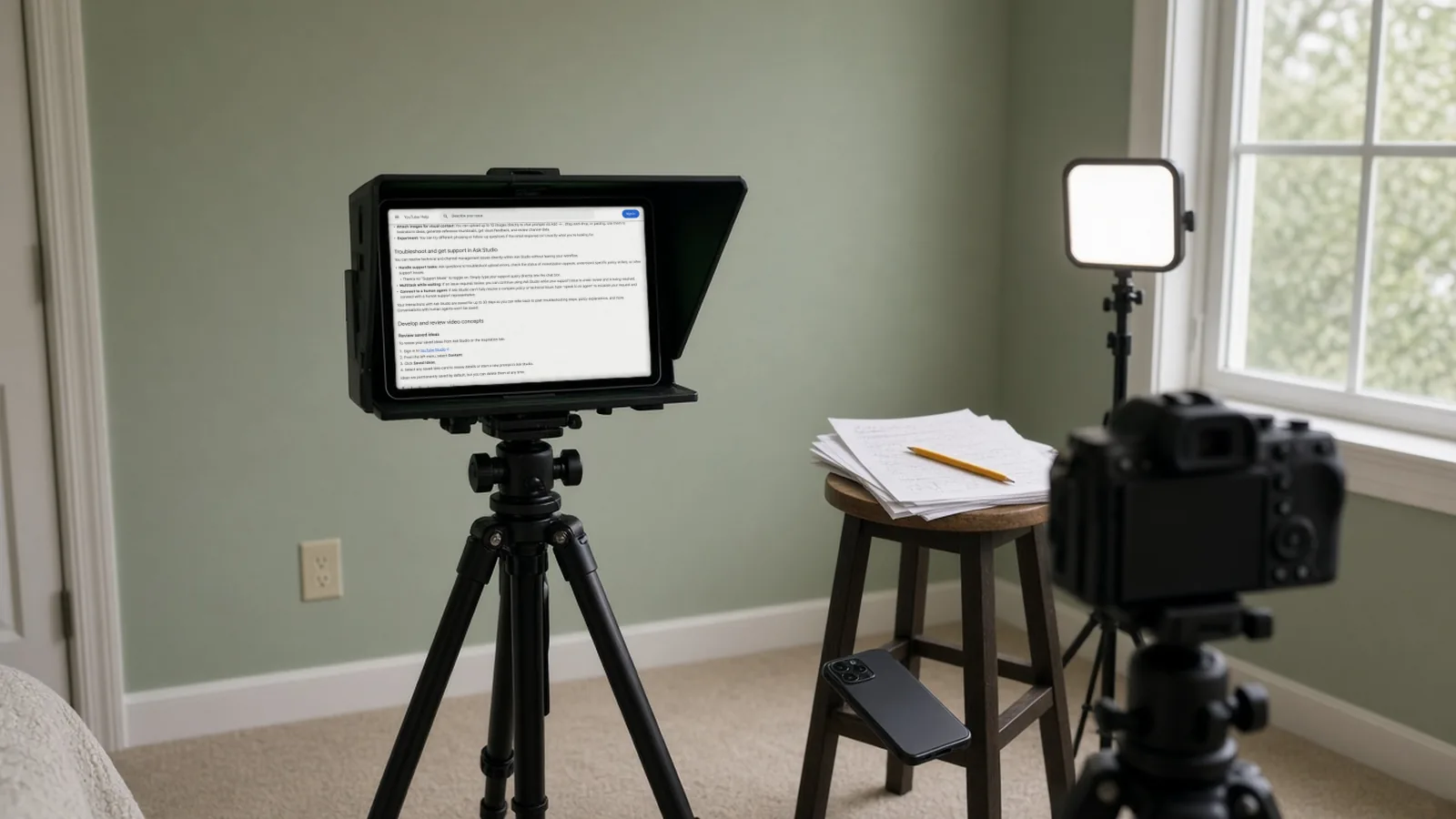
You add: read it aloud once with a timer and fix where you stumble. Then, if you have access, paste it into Ask Studio. YouTube’s help page says you can “copy and paste your script directly into Ask Studio to get feedback based on creative best practices”. Treat the feedback as suggestions. YouTube also notes that Ask Studio’s responses “do not reflect YouTube’s views”.
Once the video is finished and published, you can turn each finished video into posts on 15+ platforms with AIFix Creator Autopilot. That’s our own service, and it starts after your video is done. It doesn’t write scripts. If you want to clip a long video yourself instead, read our Opus Clip alternatives comparison and our podcast to Shorts guide.
Anti-robotic editing checklist
Copy this list and tick it off before you record.
- [ ] The first line is something only you could say (a result, a mistake, an opinion).
- [ ] At least one real story or example from your own life or channel.
- [ ] At least one opinion you’d defend in the comments.
- [ ] No “in today’s video”, “let’s dive in”, “game-changer”, “unlock”, “delve” or “in conclusion” (or your own banned list).
- [ ] Not everything comes in threes. Vary list lengths.
- [ ] Most sentences are under about 15 words, with a few very short ones. (Our style rule, not a study.)
- [ ] Contractions everywhere (“you’re”, “don’t”), and words you’d actually say.
- [ ] Every number, date, price or quote is checked on its original source.
- [ ] No paragraph that just summarises someone else’s article.
- [ ] On-screen cues are written in: [SHOW], [B-ROLL], [CUT].
- [ ] One clear call to action, tied to this video.
- [ ] Read aloud with a timer: no stumbles, and the length fits.
- [ ] This script’s structure isn’t identical to your last three videos.
- [ ] For a language other than English: it reads naturally out loud, not like a translation, and English tech words stay where you’d say them.
Shorts version (60 seconds or less)
A Short needs one hook, one point and one payoff. Use the same voice card and this prompt:
[voice card]
Write a 60-second vertical Short script on: [topic]. Structure: 1 hook line (under 12 words), 1 point with one example I give you: [example], 1 payoff line. Spoken, short sentences, on-screen text cues in [brackets]. No facts I haven't given you.
Read it aloud against a timer. If it runs over, cut the example, not the hook.
Writing scripts in other languages
You can ask an AI tool to write in another language, but quality varies. What we can confirm:
- Gemini: Google’s help page lists Hindi, Urdu and Bengali among 70+ supported languages for the Gemini web app.
- ChatGPT and Claude: both work in many languages, but we didn’t check their official language lists, so support for specific languages is unconfirmed. Test your own language.
- Ask Studio: its language support is unconfirmed. The old Inspiration tab gave ideas in English only.
Tip (ours): say in your voice card which language and script you want, and keep English tech words you’d naturally say. Add the dialect too if it matters. Then have a native speaker read it aloud before you record.
Does YouTube allow AI-written scripts?
Short version: yes, if the finished video is original. The quotes below are copied from YouTube’s pages, checked on 28 October 2026. Policies change, so read the live pages before you rely on them. This is not legal advice, and no one can say that AI scripts are always safe.
Do I have to disclose an AI-written script?
YouTube’s disclosure page has a list headed “Examples of content, edits, or video assistance that creators don’t need to disclose”. It includes: “Production assistance, like using generative AI tools to create or improve a video outline, script, thumbnail, title, or infographic” and “Idea generation”. Disclosure is aimed at realistic altered or synthetic content, such as showing a real person saying something they didn’t say. The page also says the list “is not exhaustive”.
Can AI-scripted videos earn money?
Yes, if they’re original. YouTube’s monetization page says: “If you use automated tools or templates to help create your content, the final product must still demonstrate your creative vision and provide educational or entertainment value.” Among its allowed examples: “Content that utilizes creative tools to assist in delivering a unique, well-researched, or creative narrative, like using AI to edit your video scripts or generate a unique background visual for your content”.
What gets channels demonetised?
The page lists, among examples of what’s not allowed: “AI-generated content made with generic or unoriginal templates giving the impression of mass production without adding the creator’s original, authentic insights or perspective”. Under reused content, it lists: “Content that exclusively features readings of other materials you did not originally create, like text from websites or news feeds”. In practice, don’t ask an AI to rewrite an article and then read it out.
What about AI personas giving advice?
YouTube’s policy on “AI Personas Related to Sensitive Topics” covers “any content that presents itself as a human expert providing advice to viewers on topics such as health, legal issues, finances, or politics”. If that’s your channel, read the full policy first.
What do reviewers look at?
YouTube says its reviewers “can’t check every video”, so they “may focus on your channel’s” main theme, most viewed videos, newest videos, biggest proportion of watch time, video metadata (titles, thumbnails and descriptions) and the channel’s “About” section. It adds that these are only examples. So a clear channel theme and consistent originality across your most-watched and newest videos matter more than any single script.
Template risk. If you run the same prompt and get the same structure for every video, you drift towards the “template” problem above. Vary the structure and add your own insight each time.
The Inspiration tab is going away
YouTube’s help page says: “Starting August 2026, we are gradually deprecating the Inspiration tab. For brainstorming content ideas, use Ask Studio in YouTube Studio.” So we don’t use the Inspiration tab as a step. Ideas you saved there can be reviewed in Ask Studio, and YouTube’s page points to a Saved Ideas area under Content. Ask Studio is on the web only, for most creators globally. If you don’t see it at the top of Studio, you don’t have access. It isn’t available to Official Artist Channels, Made for Kids channels or creators under 18. Conversations are kept for up to 30 days, and human reviewers may read them, so don’t paste anything confidential.
What we checked, and what still needs testing
We checked: YouTube’s pages on Ask Studio, the Inspiration tab, AI disclosure and channel monetization; the pricing and free-plan pages of ChatGPT, Claude and Gemini; and Gemini’s supported languages.
We have not done:
- Run steps 1 to 5 on ChatGPT Free, Claude Free and Gemini Free. That means we can’t say which writes better, how many invented facts each adds, or whether free limits get in the way.
- Timed any step.
- Tried Ask Studio on a real script, or confirmed whether our own channel has access.
- Tested non-English output with a native speaker.
- Tested the Shorts prompt.
- Checked paid plans or dedicated script apps.
Our planned test: one real topic, identical prompts on each free assistant, a log of time and invented facts, a read-aloud pass with a timer (a small informal test, not a study), and an Ask Studio screenshot if it’s available.
Mistakes to avoid
- Trusting AI facts and numbers. Open the source, or leave it out.
- Asking for a full script in one prompt. You get an average script. Work in the five steps.
- Reading an AI-rewritten article. YouTube lists readings of other people’s material as not allowed to monetize.
- Using the same template every video. Vary it.
- Pasting private information or unreleased ideas without checking the data settings. Free chats can be used to train models unless you opt out, and Gemini or Ask Studio conversations may be read by human reviewers.
FAQ
What is the best free AI YouTube script writer?
We don’t rank them, because we haven’t tested the three side by side. Use the free assistant you already have, give it your voice card and follow the five steps. The workflow matters more than the brand.
Can ChatGPT write YouTube scripts for free?
Yes, a free account can draft hooks, outlines and edits, subject to the plan’s limits. Ask it to work in steps, not to write the whole script at once, and check every fact it gives you.
Do I need to disclose AI-written scripts?
YouTube’s disclosure page lists using generative AI “to create or improve a video outline, script, thumbnail, title, or infographic” among things creators don’t need to disclose. Disclosure is for realistic altered or synthetic content. Read the page for the full list.
Can YouTube detect AI scripts?
YouTube’s disclosure page describes automatic labels for content made with YouTube’s own AI tools, content with C2PA metadata and content its systems detect as AI-generated. We found nothing official about detecting AI-written text, and we don’t claim any “AI detector” is accurate. The real test is originality.
What happened to the Inspiration tab?
YouTube is gradually deprecating it from August 2026 and tells creators to use Ask Studio for brainstorming.
Can AI write scripts in other languages?
Gemini’s web app lists 70+ supported languages. For ChatGPT, Claude and Ask Studio we couldn’t confirm the language lists, so test one hook prompt in your language first.
Related
Sources
- Learn about Ask Studio in YouTube Studio, YouTube Help (checked 28 Oct 2026)
- Explore Inspiration tab on YouTube, YouTube Help (checked 28 Oct 2026)
- Disclosing use of altered or synthetic content, YouTube Help (checked 28 Oct 2026)
- YouTube channel monetization policies, YouTube Help (checked 28 Oct 2026)
- ChatGPT pricing, OpenAI (checked 27 Oct 2026)
- ChatGPT Free Tier FAQ, OpenAI Help (checked 27 Oct 2026)
- ChatGPT pricing (Learn), OpenAI (checked 27 Oct 2026)
- Claude pricing, Anthropic (checked 28 Oct 2026)
- Google AI plans and pricing (US), Google (checked 28 Oct 2026)
- Where you can use the Gemini web app (languages and countries), Gemini Apps Help (checked 27 Oct 2026)
- AIFix Creator Autopilot, AIFix (checked 27 Oct 2026)
This post was drafted with help from an AI assistant, then checked, edited and approved by Numan Malik.
Numan Malik, Founder, AIFix. Reviewed and approved by Numan before publishing. More about Numan · Editorial policy