Guide AI writing and marketing
How to Reply to Google Reviews with AI (2026): Free Tools, Safe Prompts and Rules to Follow
You can draft Google review replies with AI for $0: Gemini linked to your Business Profile, or any free chatbot with copy and paste. Who qualifies, ten copy-ready prompts, what Google says a good reply looks like, privacy rules for clinics, and what you must never do. Checked 28 Oct 2026.
AI writing and marketingAI customer chat and front desk

Research-based overview: we have not tested this hands-on yet, so there is no score. Facts come from the makers' own pages, linked below.
On this page
- The short answer
- Does Google reply to reviews with AI by itself?
- Your free options
- Step by step: reply with Gemini and your Business Profile
- Step by step: the copy-and-paste method (any free AI)
- What Google says a good reply looks like
- The prompt library
- Replying to negative reviews, and when not to use AI
- Privacy first: clinics, dentists and anyone with sensitive customer details
- Rules: do and don’t
- Replying in your customer’s language
- What we checked, and what still needs testing
- Mistakes to avoid
- Want help getting more reviews?
- FAQ
- Related
The short answer
Yes, you can use AI to draft replies to your Google reviews, and it costs $0. There are two free routes, and both end the same way: you read the draft, fix it and post it yourself.
- Google’s own route: the Gemini web app (gemini.google.com) with your Business Profile connected. Google’s help page says Gemini can draft replies to reviews, create posts and summarise review themes. It only works if you own or manage one verified profile, are 18 or over, use a personal Google Account and have Keep Activity switched on.
- Copy and paste into any free chatbot (Gemini, ChatGPT, Claude or Copilot). This works for any business, including owners with several locations and people on work accounts. You paste the review in, get a draft and post it from Business Profile.
The rules matter more than the tool. Never put health or booking details into an AI chat or a public reply. Never offer a discount in a reply. Never use AI to write reviews. We read Google’s help pages on 27 and 28 October 2026. Prices are in US dollars.
Research-based guide. We haven’t connected Gemini to a profile or tested the prompts below ourselves yet. Everything comes from Google’s and the vendors’ published pages, checked on the dates in the sources. Features and availability change, so check the live page first.
Does Google reply to reviews with AI by itself?
Not in anything Google documents. Some owners have reported a test button inside Business Profile that drafts replies with AI. Google hasn’t documented it, so you may not have it. What Google does document is the Gemini route above, where you ask Gemini to draft a reply and then post it yourself.
We don’t recommend tools that post replies without a person looking. A reply is public, appears under your business name, and Google checks it against its content policies before it goes live.
Your free options
| Option | Cost | How the review gets to the AI | Good for | Watch-outs |
|---|---|---|---|---|
| Gemini web app with Business Profile connected | $0 (Gemini’s free plan) | Gemini reads your reviews | Owners of a single verified profile with a personal Google Account | One profile only; no work or school accounts; Keep Activity must be on, so some chats may be read by people; check availability if you’re in the EEA or UK |
| Gemini without connecting | $0 | Copy and paste | Owners who don’t want Keep Activity on for this | Same privacy rules apply |
| ChatGPT Free | $0 | Copy and paste | Anyone, any number of locations | Content may be used to train models unless you opt out; free plans may show ads in some places, so re-check |
| Claude Free | $0 | Copy and paste | Anyone | Model-training opt-out is available |
| Microsoft Copilot (free) | $0 | Copy and paste | People already in Microsoft apps | Free-tier limits aren’t spelled out on the page we read, so unconfirmed |
| Review platforms such as Birdeye | Price on request; no public price | Connected to your profile | Chains and agencies | Not free; check any auto-posting setting |
Paid upgrades aren’t needed for this job. For reference, US prices we re-checked on 28 October 2026: Google AI Plus $4.99 a month and AI Pro $19.99 a month; Claude Pro $17 a month on a yearly plan or $20 billed monthly; Microsoft 365 Personal $9.99 a month. ChatGPT’s paid prices didn’t render for us on the day, so check the live page. Prices may exclude tax and vary by country. For a full plan comparison, see our ChatGPT vs Claude vs Gemini guide. We don’t name browser extensions or “free review reply” websites here, because we haven’t checked them. Be careful before giving any extension or site access to your Google account.
Step by step: reply with Gemini and your Business Profile
- Check you qualify. You must be an owner or manager of only one verified Business Profile, be 18 or over, and be signed in with a personal Google Account tied to that profile. Work or school accounts don’t work for now.
- Turn on Keep Activity. Gemini can’t connect to Business Profile when it’s off. Read the privacy section below first, because this setting has a cost.
- Go to gemini.google.com on a computer. Google’s page says this works in the web app only, not in the phone app.
- Ask something about your profile. If Gemini doesn’t pick up Business Profile, add “@Google Business Profile” to your prompt. If it isn’t connected, you’ll get the option to connect it.
- Ask for a draft: “Help me draft a reply to my latest review.” Gemini can also summarise your reviews.
- Edit it, then post it yourself from Business Profile (steps in the next section).
Where it’s available. Google’s help page says the feature is available “wherever the Gemini web app is supported”. Google’s connected-apps table says “all languages supported by the Gemini web app”. Google’s June 2026 launch post excluded the EEA and the UK. We don’t know whether that still applies to your account, so in Europe, check your account. Don’t assume it’s there. If you have more than one verified profile, use the copy-and-paste method instead.
Step by step: the copy-and-paste method (any free AI)
- Open your Business Profile and go to Read reviews.
- Copy the review text. Remove surnames, phone numbers and anything private.
- Paste it into your chosen chatbot with the prompts below.
- Edit the draft so it’s accurate and sounds like you.
- Click Reply, paste your text and click Reply again.
What happens next, according to Google’s help page: Google checks the reply against its content policies. That usually takes up to 10 minutes but can take up to 30 days. If it’s not approved, you’re asked to edit it. The reply shows as your business, not your personal name. The reviewer is notified and can still change their review. You can edit your reply later from the same place. You must have verified your business first, and reviews are only available in certain countries and business categories.
What Google says a good reply looks like
These are Google’s tips, in our words:
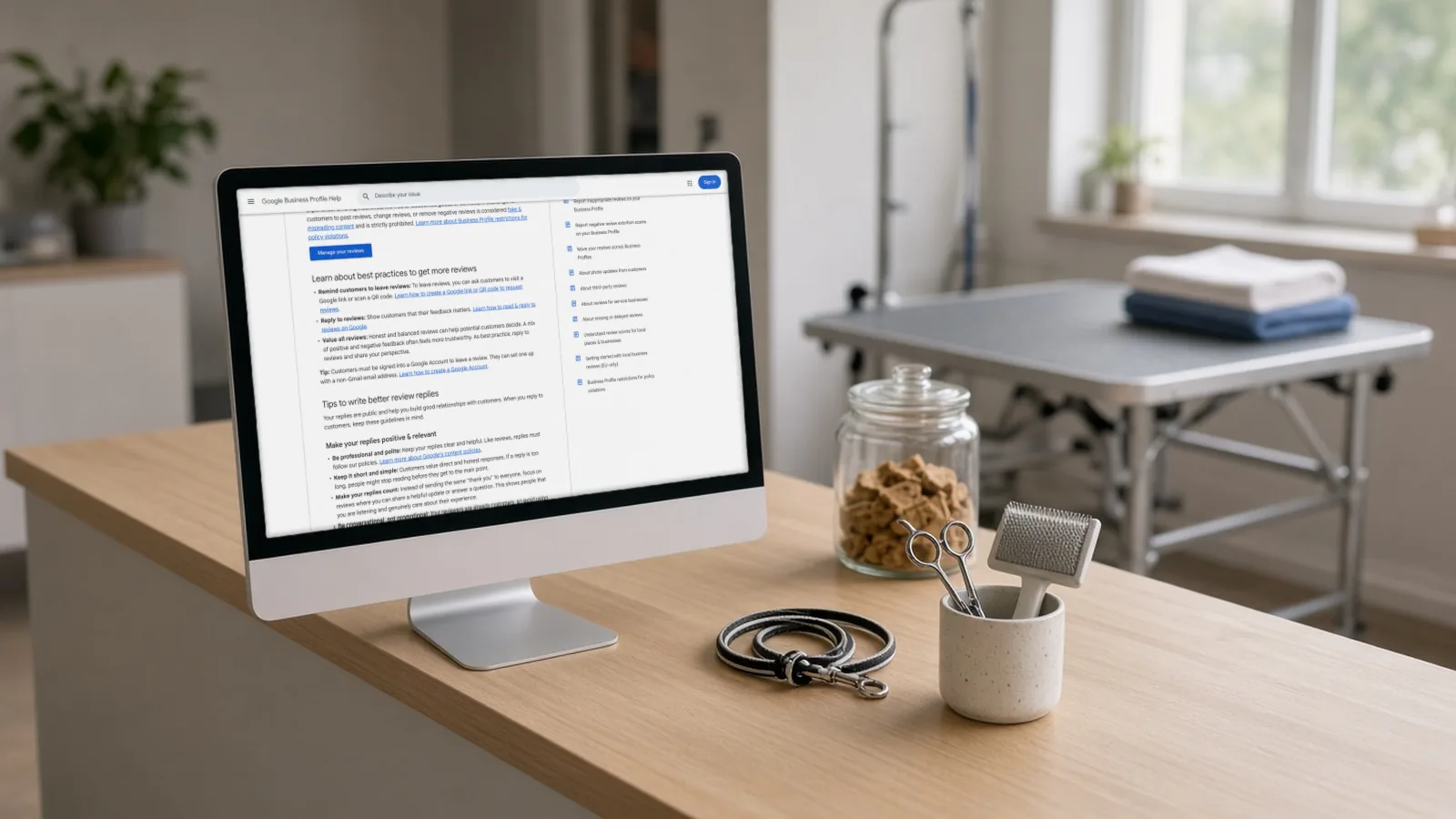
- Be professional and short. Customers read replies quickly, and replies must follow Google’s content policies.
- Don’t send the same “thank you” to everyone. Spend your effort on reviews where you can add a useful update or answer a question.
- No offers or promotions. Don’t use a reply to sell.
- Take complicated problems offline. Invite the person to phone or email you.
- Personalise it. Mention something specific from the review and sign off with your name or initials.
- Reply in good time. Google gives no number of days, and we won’t invent one.
- Protect privacy. Never share a reviewer’s private information.
Google also says a mix of positive and negative reviews often feels more trustworthy to customers, so reply to both. That’s a good reason not to try to bury criticism.
The prompt library
Paste the rules block once at the top of a chat. Then use the short prompts, which reuse it. Fill in the square brackets. All of these use first names only and no private details.
Rules block
You help me draft public replies to Google reviews for [business name], a [type of business] in [city]. Rules: 1) 60–90 words unless I ask otherwise. 2) Use the reviewer’s first name only if it appears in the review. 3) Mention one specific thing they said. 4) Never invent facts, staff names, dates, prices or promises. If you need a fact, ask me. 5) No discounts, offers, links or promotions. 6) Never confirm that someone is a patient or client, and never mention health, treatment, bookings, payments or any personal detail, even if the reviewer did. 7) Plain, warm, human tone; no “We value your feedback” clichés; no exclamation-mark chains. 8) Reply in the same language as the review. 9) Sign off with: [your name or initials], [role]. Give me two versions: one shorter, one warmer.
P1. Five stars, specific praise
Review: “[paste]”. Draft a reply that thanks them for the specific thing they praised and adds one useful, true detail I give you here: [e.g. “we’re open Saturdays from 9”]. Follow my rules.
P2. Five stars, no text
A customer left 5 stars with no text. Write three different one-sentence thank-yous (under 25 words each) so I don’t post the same line every time. No names, no details.
P3. Mixed review (good and bad)
Review: “[paste]”. Thank them for the positive part, acknowledge the problem in their words, explain what we’re doing about it: [your fact, e.g. “we’ve added a second receptionist on Mondays”]. If I haven’t given a fix, don’t invent one; just say we’re looking into it. Follow my rules.
P4. Negative review, our mistake
Review: “[paste]”. What actually happened: [your private notes; no customer details]. Draft a short, sincere apology, no excuses, and invite them to contact [phone or email] so we can put it right privately. Don’t argue, don’t blame staff, don’t mention anything from my notes that’s private. Follow my rules.
P5. Negative review, we disagree with the facts
Review: “[paste]”. Our side: [facts]. Draft a calm, polite reply that thanks them, states our policy or process neutrally (no “you’re wrong”), and offers to talk by [phone/email]. Keep it under 70 words. A reader deciding whether to book should come away trusting us. Follow my rules.
P6. Clinic, health or other sensitive service
Review: “[paste]”. We are a [clinic type]. Write a reply that does NOT confirm this person is or was a patient and does NOT mention any treatment, condition, appointment or outcome, even if they did. Thank them generally for their feedback, state our general commitment ([e.g. “explaining options clearly before any treatment”]), and invite them to call [main number] and ask for [role]. Follow my rules.
P7. Reply in the reviewer’s language
Review: “[paste in any language]”. Draft the reply in the same language and the same level of formality. Then give me an English translation underneath so I can check it says what I mean. Follow my rules.
P8. Fix my own draft
Here’s my draft reply: “[paste]”. Make it shorter, kinder and clearer without changing the facts or adding any. Remove anything that is promotional or could reveal personal information. Show what you changed.
P9. Fact-check pass (run it before you post)
Compare this reply to the original review and to the facts I gave you. List anything in the reply that isn’t in either one (invented facts, promises, names, offers). Then list anything that could reveal private information.
P10. Monthly themes
Summarise the main praise and complaint themes in these reviews, with how many reviews mention each. Suggest one operational fix for the top complaint. Don’t draft replies.
For P10, paste 10 to 20 reviews with names removed. If Gemini is connected, Google’s page says it can analyse and summarise customer feedback from your reviews.
Never prompts. - “Write 10 five-star reviews for my business.” Fake reviews break Google’s policy and, in the US, the FTC rule. - “Reply to all my reviews automatically,” with nobody checking. - “Offer them 20% off if they update their review.” Incentives are prohibited.
Replying to negative reviews, and when not to use AI
A negative review is a good test of whether you need the AI at all. Read it, check your records, and decide the facts first. Then use P4 or P5, and keep it calm. Don’t argue in public, because the next customer is reading, not just the reviewer.
You can report a review if it breaks Google’s policies, such as spam, fake engagement or off-topic content. Google removes only policy-breaking reviews. Reporting a review just because it’s negative won’t work, and Google says it doesn’t get involved in disputes between businesses and customers. You can’t delete a review you dislike yourself. Google says an evaluation usually takes several days.
Extortion scams are different. If you get a sudden wave of one- and two-star reviews with a demand for money, don’t pay, don’t bargain and don’t reply with an AI-drafted apology. Save screenshots and use Google’s extortion report form instead.
Privacy first: clinics, dentists and anyone with sensitive customer details
Two separate privacy risks exist here.
1. Your reply is public. Never confirm that a reviewer is a patient or client, and never mention care, treatment, bookings or payments, even if the reviewer did. A US example: the US health regulator HHS settled with New Vision Dental in California over replies to online reviews that disclosed patients’ health information. The practice paid $23,000 and agreed to a corrective action plan. HHS said that this kind of disclosure is illegal under US health-privacy law (HIPAA). Other countries have their own health-privacy laws, which we haven’t checked, so the safe default everywhere is to never mention care in a public reply.
2. The AI chat itself. Google’s Gemini privacy page says that when Keep Activity is on, a subset of chats may be reviewed by human reviewers, and reviewed chats can be kept for up to three years. Since the Business Profile connection needs Keep Activity on, don’t type anything confidential. For ChatGPT and Claude, the pricing pages say content can be used to train models unless you opt out in settings. Whichever chatbot you use, don’t paste health details, booking notes, phone numbers or full names.
Rules: do and don’t
| Do | Don’t |
|---|---|
| Read the whole review and your own records before prompting | Paste health details, booking notes, phone numbers or full names into an AI chat |
| Give the AI the true facts and let it handle tone | Let AI invent fixes, staff names, refunds or policies |
| Edit every draft and sign it with your name or initials | Post the same generic thank-you on every review |
| Keep replies short and specific | Add discounts, promotions or links to replies |
| Take complex complaints to phone or email | Confirm someone is a patient or describe their treatment |
| Ask every customer for a review the same way, with no reward | Pay for reviews or give discounts or gifts in return for them |
| Report reviews that break Google’s policies | Report reviews just because they’re negative |
| Report extortion attempts through Google’s form | Pay, bargain with or reply to extortionists |
| Reply in the reviewer’s language only if you can check it | Post a machine translation in a language you can’t read without a second check |
What the rules say about reviews. Google’s content policy bans reviews paid for in money or goods, reviews posted from several accounts at one person’s request, and incentives such as payment, discounts or free goods for posting a review, or for changing or removing a negative one. It also says merchants must not “selectively solicit positive reviews from customers” or discourage negative ones. Asking all your customers in the same way for a genuine review, with no reward, is fine. In the US, the FTC rule at 16 CFR 465.2 bars a business from writing or buying fake reviews. AI can help you reply, but it should never write the reviews themselves. Other countries have rules on fake reviews as well, and we haven’t checked them. If Google finds fake engagement on a profile, it can block new reviews for a time, unpublish existing ones for a time and show a public warning.
Replying in your customer’s language
- Match the reviewer’s language. This is a good habit, not a Google rule. Use P7 so the AI gives you an English back-translation to check.
- Choose formal or informal. German has Sie and du, French has vous and tu (formal and casual “you”). Tell the AI which one to use. For a clinic, choose the formal one.
- We haven’t confirmed that Google translates replies for you. Don’t assume it does.
- Reviews aren’t available everywhere. Google says reviews are limited to certain countries and categories. There’s also an EU-only Google help article about local reviews, which we haven’t opened.
- Privacy law differs by country. Check your local health-privacy and consumer rules.
What we checked, and what still needs testing
We checked: Google’s pages on reviews, replying, reply tips, reporting, extortion, the Maps content policy and profile restrictions; the Gemini and Business Profile connection page, privacy page and connected-apps table; and the pricing pages named in the table.
We have not done:
- Run the rules block and P1 to P6 in ChatGPT, Claude, Gemini or Copilot. We can’t say which drafts are better, or how often each invents facts.
- Connected Gemini to a Business Profile or taken a screenshot of the connection.
- Posted a reply, or seen how long Google’s policy check takes in practice.
- Had a native speaker read P7 output in Spanish.
- Tested the reported in-dashboard AI reply button, which isn’t documented.
- Checked whether any paid review platform is worth its price.
Mistakes to avoid
- Posting the AI draft as it comes. Read it for invented facts, offers and personal details.
- Using one template for every review. Google’s tips say not to.
- Arguing in public. Take it to phone or email.
- Replying to an extortion wave. Report it.
- Putting private details in the chat. The reply is public and the chat may be read.
- Asking only certain customers for reviews. Ask everyone the same way.
Want help getting more reviews?
This guide is about replying. Getting more genuine reviews is a separate job: you need a simple request that goes out after every visit. If you’d like that handled, have AIFix set up review requests for your business. We send the request to every customer, the same way, with no reward and no screening by whether they were pleased. That’s our own service, and the free steps above work without it.
FAQ
Is it OK to use ChatGPT to reply to Google reviews?
Yes, as a drafting aid. Paste only what you’d be happy to see in public, remove names and private details, and edit before posting. Check its data settings, because ChatGPT may use content to train models unless you opt out.
Does Google penalise AI-written replies?
We found no Google statement either way. What Google does say is that every reply must follow its content policies and is checked before it appears. An AI draft that breaks those rules is still your reply.
Should I reply to every review?
Google’s tips encourage replying, and say positive and negative reviews together make a business feel more trustworthy. They also say not to send the same thank-you to everyone. A short, specific reply on the reviews where you have something useful to say is better than a template on all of them.
Can I offer a discount in my reply?
No. Google’s tips say not to use replies for offers or promotions, and its content policy prohibits incentives for posting, changing or removing a review.
Can I delete a bad review?
No. You can report a review that breaks Google’s policies, and Google decides. You can’t remove one just because it’s critical.
How fast should I reply?
Google says to respond in a timely manner and doesn’t give a number. Don’t trust anyone who quotes you an exact figure as a Google rule.
Can I edit my reply later?
Yes. You can edit a reply from the same place you wrote it, and the new version is checked again.
Related
Sources
- Manage customer reviews, Google Business Profile Help (checked 27 Oct 2026)
- Tips to get more reviews (includes tips to write better review replies), Google Business Profile Help (checked 28 Oct 2026)
- Report inappropriate reviews on your Business Profile, Google Business Profile Help (checked 27 Oct 2026)
- Report negative review extortion scams, Google Business Profile Help (checked 27 Oct 2026)
- Manage your Business Profile on Google with the Gemini web app, Google Business Profile Help (checked 28 Oct 2026)
- Check the availability and requirements of Connected Apps, Gemini Apps Help (checked 27 Oct 2026)
- Save time and grow your business with new Gemini tools (10 Jun 2026), Google (checked 27 Oct 2026)
- Gemini Apps Privacy Hub, Gemini Apps Help (checked 27 Oct 2026)
- Google AI plans and pricing (US), Google (checked 28 Oct 2026)
- ChatGPT pricing, OpenAI (checked 27 Oct 2026)
- Claude pricing, Anthropic (checked 28 Oct 2026)
- Microsoft Copilot for individuals, Microsoft (checked 28 Oct 2026)
- Birdeye pricing, Birdeye (checked 27 Oct 2026)
- Maps user-generated content policy: prohibited and restricted content, Google (checked 27 Oct 2026)
- Business Profile restrictions for policy violations, Google Business Profile Help (checked 27 Oct 2026)
- New Vision Dental HIPAA settlement, US Department of Health and Human Services (checked 27 Oct 2026)
- 16 CFR 465.2, Consumer Reviews and Testimonials Rule, eCFR (checked 27 Oct 2026)
- AIFix Automation, AIFix (checked 27 Oct 2026)
This post was drafted with help from an AI assistant, then checked, edited and approved by Numan Malik.
Numan Malik, Founder, AIFix. Reviewed and approved by Numan before publishing. More about Numan · Editorial policy