Best AI Voice Generator for YouTube (2026): What You Can Use and Still Get Paid
Clipchamp, CapCut, ElevenLabs and Murf for YouTube voice-overs: which free plans allow commercial use, what each paid plan costs in USD, and what YouTube's own policy pages say about AI voices and monetisation. From official pages, checked 28 Oct 2026.
AI voice and audioAI video and avatars

No one paid for this, and it has no affiliate links. How we review.
Research-based overview: we have not tested this hands-on yet, so there is no score. Facts come from the makers' own pages, linked below.
On this page
Key takeaways
Verdict: yes, with two conditions
Can you use an AI voice on YouTube and still get paid? Based on YouTube’s own pages, yes, if two things are true: the video is original work, and the voice tool’s licence allows commercial use. Those are separate checks. A tool can give you a licence and your video can still fail YouTube’s rules. We read YouTube’s disclosure and monetisation policy pages and four voice tools’ pricing and licence pages on 28 October 2026. Prices are in US dollars, before tax.
- Best free starting point: Clipchamp. Text-to-speech is built in, with 400 voices, and the free personal plan exports MP3 audio and 1080p video. The catch: we could not find a commercial-use statement on the pages we read, so treat commercial use as unconfirmed until you’ve checked Clipchamp’s terms.
- Best-known paid option with a clear licence: ElevenLabs. Its Free plan has no commercial licence. Starter ($6 a month) adds one. Its help article spells out the rules.
- Clearest “YouTube” wording among the paid studios: Murf. Creator is $19 a month billed yearly and lists commercial rights. Its help centre says you can monetise YouTube content made with its voices if the content is original and doesn’t infringe copyright.
- CapCut is the one we can’t settle. Its page says commercial use, including YouTube, is fine. Its legal terms limit commercial use to materials marked for it. Check the label in the app before relying on it.
- We don’t say which sounds best. We haven’t done a listening test.
Never read “AI voices are fine on YouTube” as the whole answer. The two conditions above are the answer.
Research-based comparison. We have not tested these tools hands-on yet. Everything below comes from each maker’s published pricing and help pages and from YouTube’s policy pages, checked 28 October 2026. Cost note: Clipchamp’s voice-overs and the free plans of the others cost nothing, but only ElevenLabs’ and Murf’s paid plans clearly include a commercial licence. Those start at $6 and $19 a month.
At a glance: free plans, commercial use and first paid price (USD)
| Tool | Free plan | Commercial use on free? | First paid price | Languages (maker's claim) |
|---|---|---|---|---|
| Clipchamp | Text-to-speech included; MP3 audio and 1080p export on the free personal plan | Unconfirmed (no licence statement on the pages we read) | 4K export needs Microsoft 365 Personal or Family, or Clipchamp Premium; price unconfirmed | "80 languages", 400 voices (language list on the page) |
| CapCut | "Free to try", 200+ voices, own-voice cloning | Unconfirmed: the page's FAQ says yes, but the licence terms are not settled | Pro price unconfirmed | Many; list not checked |
| ElevenLabs | 10,000 credits a month | No. Free-plan audio needs a credit to elevenlabs.io or 11.ai in the title | Starter $6 a month (30,000 credits, commercial licence) | "74 languages" (v4 pricing page) |
| Murf | 10 minutes of voice generation, 10 projects, no downloads | No ("No Commercial Rights") | Creator $19 a month billed yearly ($228 a year), commercial rights | 30+ languages, 200+ voices |
What we checked
- Read Clipchamp's AI voice-over page, its text-to-speech help article and its work-versus-personal feature table on 28 Oct 2026
- Read CapCut's text-to-speech page and its Materials License Agreement, and noted where they do not settle the commercial-use question
- Read ElevenLabs' pricing page and its help article on publishing generated content, and Murf's pricing page (Studio plans and API)
- Read YouTube's pages on disclosing AI content and on monetisation policies, including the 'inauthentic content' rules
- Worked out a monthly cost for a channel that posts three videos a week (our arithmetic, before tax)
- Not done yet: generating the same script in every tool, listening tests, or checking any tool's output inside YouTube Studio
What YouTube’s pages say about AI voices
YouTube has three rules that matter here. The wording below comes from its help pages, which we opened on 28 October 2026. Policies change, so re-read them before you build a channel on them.
Do you have to disclose an AI voice?
Sometimes. YouTube says creators must disclose AI-generated or altered content that seems realistic. Its list of things that need disclosure includes making a real person appear to say or do something they didn’t, altering footage of a real event or place, generating a realistic scene that didn’t happen, and music that is the main focus of the video.
Its examples of what you don’t have to disclose include clearly unrealistic content, minor edits, help with scripts, thumbnails or captions, and audio repair. YouTube’s page also lists “cloning one’s own voice to create voice overs or dubs” as not needing disclosure. A synthetic voice that reads a script over a screen recording is not obviously in the “realistic person doing something” group, but YouTube’s list is “not a complete list”, so use judgement. If you are unsure, tick the box. You do it in YouTube Studio: under Attributes, find “AI use” and choose Yes or No. YouTube may also add a label itself, for example when you use its own AI tools or when its systems detect AI content.
Does disclosing hurt your earnings?
According to YouTube: “Disclosing AI content alone won’t limit a video’s audience or impact its eligibility to earn money.” The risk runs the other way. YouTube says creators who consistently choose not to disclose may get a label added by YouTube, or face penalties including removal of content or suspension from the YouTube Partner Program (the programme that lets channels earn from ads).
What is “inauthentic content”?
This is the rule that catches most AI-voice channels. On 15 July 2025 YouTube renamed its “repetitious content” policy to “inauthentic content” and said it covers content that is repetitive or mass-produced. Examples YouTube gives of what is not allowed include “AI-generated content made with generic or unoriginal templates giving the impression of mass production”, and slideshows or scrolling text with minimal narrative.
A related rule covers reused content. YouTube says content that “exclusively features readings of other materials you did not originally create, like text from websites or news feeds” doesn’t qualify. In plain terms: an AI voice reading someone else’s article over stock footage is the pattern to avoid.
What YouTube does allow, in its words, includes “using AI to edit your video scripts or generate a unique background visual”. The policy page also says AI personas giving health, legal or financial advice cannot monetise.
How reviewers judge a channel
YouTube says its reviewers look at the channel’s main theme, its most-viewed and newest videos, its metadata and the About section. One strong video isn’t enough if the rest looks mass-produced.
Licence vs YouTube policy: two different checks. 1. Licence: does your voice tool let you use the audio commercially? That’s between you and the tool. 2. YouTube policy: is the video original and, where needed, disclosed? That’s between you and YouTube. Passing one doesn’t pass the other.
The picks
Clipchamp: best free starting point
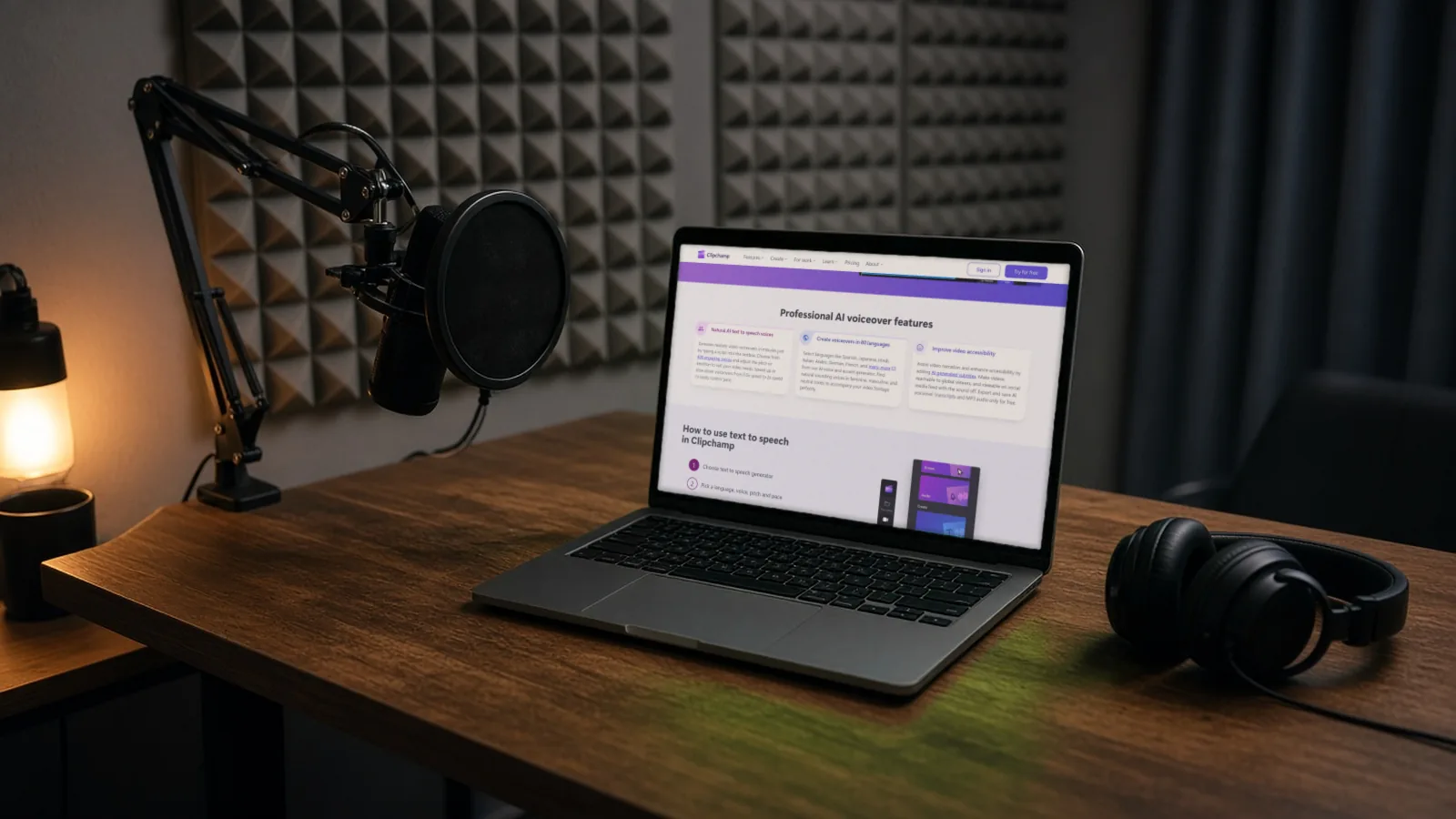
Clipchamp is Microsoft’s video editor, and its text-to-speech runs on Microsoft Azure AI Speech, according to Microsoft’s help article. The AI voice-over page promises 400 voices and 80 languages, naming Spanish, Japanese, Hindi, Italian, Arabic, German and French. Microsoft’s feature table shows text-to-speech on the free personal plan, with MP3 audio and 1080p video export. 4K export needs Microsoft 365 Personal or Family, or a Clipchamp premium plan, whose price we couldn’t confirm.
You can adjust pitch and pace, and punctuation controls pauses. It’s an editor, so you generate and edit on the same timeline. The open question is commercial use. We found no official licence line for the free plan. Don’t assume it. If you need a specific language, open the language list first.
CapCut: free to try, terms not settled
CapCut’s text-to-speech page lists 200+ voices, speed and pitch controls, exports as AAC, FLAC, MP3 or WAV, and a tool that makes a clone of your own voice from a few recorded sentences. Its FAQ says generated audio can be used commercially, including YouTube videos. But the CapCut Materials License Agreement says some platform materials are for personal, non-commercial use only, and others are “Dual Use Materials”, shown with a “commercial use” mark. That agreement doesn’t say, in the text we read, which group a generated voice falls into. So don’t treat the FAQ as settled. Screenshot the licence label in the app before you monetise. Pro pricing and regional availability are unconfirmed.
ElevenLabs: best-known paid option
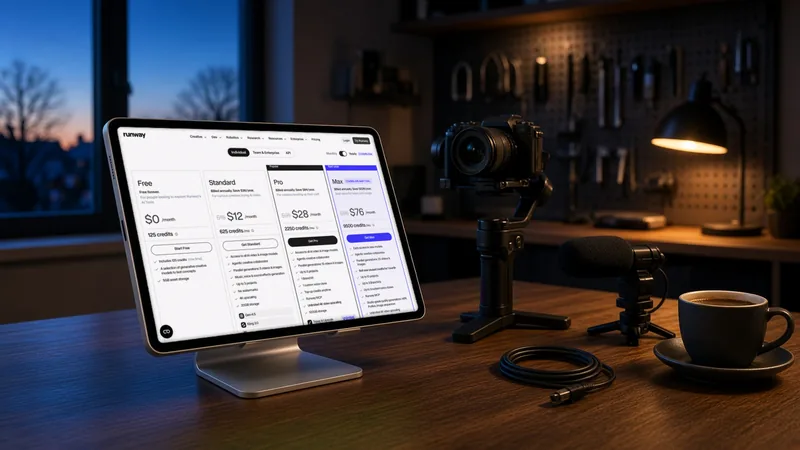
ElevenLabs’ Free plan gives 10,000 credits a month. It has no commercial licence, and per its help article, if you publish Free-plan audio you must credit “elevenlabs.io” or “11.ai” in the title. Starter is $6 a month (30,000 credits, Instant Voice Cloning, commercial licence). Creator is $22 a month (121,000 credits, Professional Voice Cloning). Pro is $99 (600,000 credits). Scale is $299 and Business is $990. Prices exclude tax.
The licence terms matter more than the price. Per the help article, content made during a paid subscription can be used commercially, and indefinitely. Content made outside a paid subscription, before or after, can’t be used commercially. Output from “Beta Services” can’t be used commercially at all. So generate on a paid plan, and check whether the feature you used is marked beta. ElevenLabs supports 74 languages on its v4 model, launched on 28 September 2026. For TTS, one credit is used per character, so a 1,000-word script of about 5,800 characters uses roughly 5,800 credits. Credits roll over for up to two months on paid plans only.
Murf: studio-style plans with YouTube wording
Murf’s Free plan is 10 minutes of voice generation and 10 projects, with no downloads and “No Commercial Rights”. Creator is $19 a month billed yearly ($228 a year), with 24 hours a year of voice generation, 200+ voices, unlimited downloads and commercial rights. Business is $66 a month billed yearly ($792 a year) with 96 hours a year, and adds a Business License. Full broadcasting rights are an add-on on Enterprise. Murf’s help centre says all paid plans include commercial rights for Studio voice-overs, including for YouTube, and that you can monetise the content as long as it is original and doesn’t infringe copyright. It also tells you to check YouTube’s current AI policies. That wording lines up with YouTube’s own rule. Murf lists 30+ languages. The monthly (non-yearly) price and voice cloning on Creator are unconfirmed.
Murf also sells an API: $10 free credit, then $0.01 per 1,000 characters on its Falcon model and $0.03 per 1,000 on Gen2. That’s for building your own tools, not for typing in a script.
What we checked, and what still needs testing
We read the pages, but we have not run any of these tools. Everything above is from documents. When we test, we plan to stay on free plans only:
- Generate the same 150-word script in each tool and save the files.
- Run Clipchamp in English and in one other language you need, and check the language list.
- Open CapCut and screenshot the licence label on a generated voice.
- Use ElevenLabs’ Free credits for a short test. We won’t publish that audio, because the Free plan has no commercial licence.
- Confirm that Murf blocks downloads on its Free plan.
- Run a small informal listening test with a few people. It would be informal, not a study.
- Screenshot the “AI use” setting in YouTube Studio.
Pros and cons
| Tool | Pros | Cons |
|---|---|---|
| Clipchamp | Free text-to-speech; 400 voices; editor included; MP3 export | Commercial use unconfirmed; 4K needs a paid Microsoft plan |
| CapCut | Free to try; own-voice cloning; several export formats | Licence wording doesn’t settle commercial use; Pro price and regional availability unconfirmed |
| ElevenLabs | Clear licence rules; many languages; voice cloning on paid plans | Free plan has no commercial licence and needs a title credit; credits run out on long scripts |
| Murf | Commercial rights from Creator; YouTube wording in its help centre; unlimited downloads | $228 up front on yearly billing; a limited number of hours a year; Free plan has no downloads |
Pricing in USD, and a worked example
All prices exclude tax and are list prices as shown on 28 October 2026 (Murf’s Studio plans and ElevenLabs’ monthly prices). Don’t compare the units directly: ElevenLabs sells credits (characters), Murf sells hours a year, and Clipchamp is an editor.
Example, our maths: a channel posts 3 videos a week, each with a script of about 1,200 words. That’s about 15,600 words a month (3 × 1,200 × 4.33 weeks). At roughly 5.8 characters a word, that’s about 90,000 characters a month.
- ElevenLabs: Starter’s 30,000 credits cover about a third of that. Creator’s 121,000 credits cover it, at $22 a month (or $18.33 a month if billed yearly, a figure we have not re-checked). Regenerating a line may use credits too, so leave room.
- Murf: at about 150 spoken words a minute (our assumption), 15,600 words is about 104 minutes a month. Creator’s 24 hours a year is 2 hours a month, which covers it on paper. Check with a real test, since regenerating a line counts too. Cost: $19 a month billed yearly.
- Clipchamp: $0, with commercial terms unconfirmed.
Murf’s $19 a month is billed yearly, which means $228 is charged in one go. Check the renewal terms before paying for any yearly plan.
ElevenLabs alternatives
If ElevenLabs’ credit system doesn’t suit you, the three above are the alternatives we checked. Open-source and run-on-your-own-computer voice tools exist as a category too. We haven’t checked any of them, and each model has its own licence, so read it before you monetise a channel. Our guide to AI video generators covers tools that include voices. For avatar-style videos, see HeyGen vs Synthesia. If you’re building live voice agents rather than voice-overs, see our note on ElevenLabs’ realtime voice agents.
Outside the US
- Tax: prices shown are US-dollar list prices excluding tax. VAT or other local tax may be added at checkout.
- Deepfake and likeness laws: these vary by country and we haven’t checked them. Never clone another person’s voice without their permission. This isn’t legal advice.
A safer workflow for an AI-voiced channel
- Write your own script. Start from your own research, experience or footage.
- Pick a tool whose paid licence clearly allows commercial use, or confirm the terms in writing. Keep a screenshot of the licence page and the date.
- Generate the voice while you’re on a paid plan. Don’t generate on Free and upgrade later.
- Add something of your own: your screen recording, your footage, your analysis. A stock-footage slideshow with a robot voice is what the inauthentic-content rule describes.
- Vary the videos. Don’t run one template across dozens of near-identical uploads.
- Tick “AI use” in YouTube Studio if anything in the video is realistic and synthetic. If you’re unsure, ticking it doesn’t limit your earnings, according to YouTube.
- Never use an AI persona for health, legal or financial advice if you want to monetise.
- Re-read YouTube’s two policy pages every few months, because they change.
If you’d like help with the rest of the work around your videos, you can set up a done-for-you creator workflow with AIFix Autopilot. That’s our own service, and it doesn’t replace your script or your voice. Before using any voice tool for client or brand work, read its terms.
For thumbnails to go with your videos, see our guide to YouTube thumbnails with Nano Banana. If you cut long videos into Shorts, see Opus Clip alternatives. For YouTube’s other AI labelling rules, see our news item on YouTube Music AI labels. If you want a voice to talk with rather than narrate, see ChatGPT Voice with GPT Live 1.1.
FAQ
Can I monetise a YouTube channel that uses an AI voice?
According to YouTube’s pages, an AI voice isn’t banned. What matters is whether the content is original and not mass-produced, and whether you have the right to use the audio commercially. A channel of reused text or template videos is at risk even without AI.
Do I have to disclose that my voice is AI?
YouTube requires disclosure for realistic altered or synthetic content. Its page lists cloning your own voice for voice-overs or dubs as not needing it. A clearly synthetic narrator over your own screen recording isn’t obviously in the disclose list either, but the list isn’t complete. YouTube says disclosing doesn’t limit earnings.
Is ElevenLabs’ free plan OK for YouTube?
No for monetised or commercial channels. The Free plan has no commercial licence, and published audio needs a credit to “elevenlabs.io” or “11.ai” in the title. Starter ($6 a month) is the first plan with a commercial licence.
What’s the best free option for Shorts?
Clipchamp’s free text-to-speech is the one we’d try first, since the editor and the voice are in the same place. But we couldn’t confirm that the free plan allows commercial use, so confirm before you monetise. CapCut is the other free-to-try option, with the licence question described above.
Can I clone my own voice?
CapCut and ElevenLabs both offer cloning (ElevenLabs on its paid plans). YouTube’s page says cloning your own voice for voice-overs doesn’t need disclosure. Cloning someone else’s voice is a different matter: you’d need their permission and may have legal exposure.
Does Murf allow YouTube use?
Murf’s help centre says all its paid plans include commercial rights, including for YouTube, if your content is original and doesn’t infringe copyright, and it tells you to check YouTube’s current policies. Murf’s Free plan has no commercial rights and no downloads.
Sources
- Clipchamp AI voice-over generator, Microsoft Clipchamp (checked 28 Oct 2026)
- Feature comparison between Clipchamp for work and personal versions, Microsoft Support (checked 28 Oct 2026)
- How to use the text to speech feature (Clipchamp), Microsoft Support (checked 28 Oct 2026)
- CapCut text to speech, CapCut (checked 28 Oct 2026)
- CapCut Materials License Agreement, CapCut (checked 28 Oct 2026)
- ElevenLabs pricing, ElevenLabs (checked 28 Oct 2026)
- Can I publish the content I generate on the platform?, ElevenLabs Help Center (checked 28 Oct 2026)
- Murf pricing, Murf AI (checked 28 Oct 2026)
- Murf help: Do I have commercial rights over the voice-over created?, Murf AI (checked 28 Oct 2026)
- Disclosing use of altered or synthetic content, YouTube Help (checked 28 Oct 2026)
- YouTube channel monetization policies, YouTube Help (checked 28 Oct 2026)
- Eleven v4 announcement, ElevenLabs (checked 26 Oct 2026)
- AIFix Autopilot, AIFix (checked 28 Oct 2026)
This post was drafted with help from an AI assistant, then checked, edited and approved by Numan Malik.
Numan Malik, Founder, AIFix. Reviewed and approved by Numan before publishing. More about Numan · Editorial policy