Guide AI customer chat and front desk
WhatsApp AI Chatbot for Small Business: How to Set One Up in 2026 (Free and Paid Options)
Three ways to put an AI chatbot on WhatsApp: Meta's own Business Agent, a no-code platform such as Wati or respond.io, or a DIY build on the Cloud API. What each costs in USD, Meta's per-message fees, the AI-provider rule and country limits. Checked 23 Oct 2026.

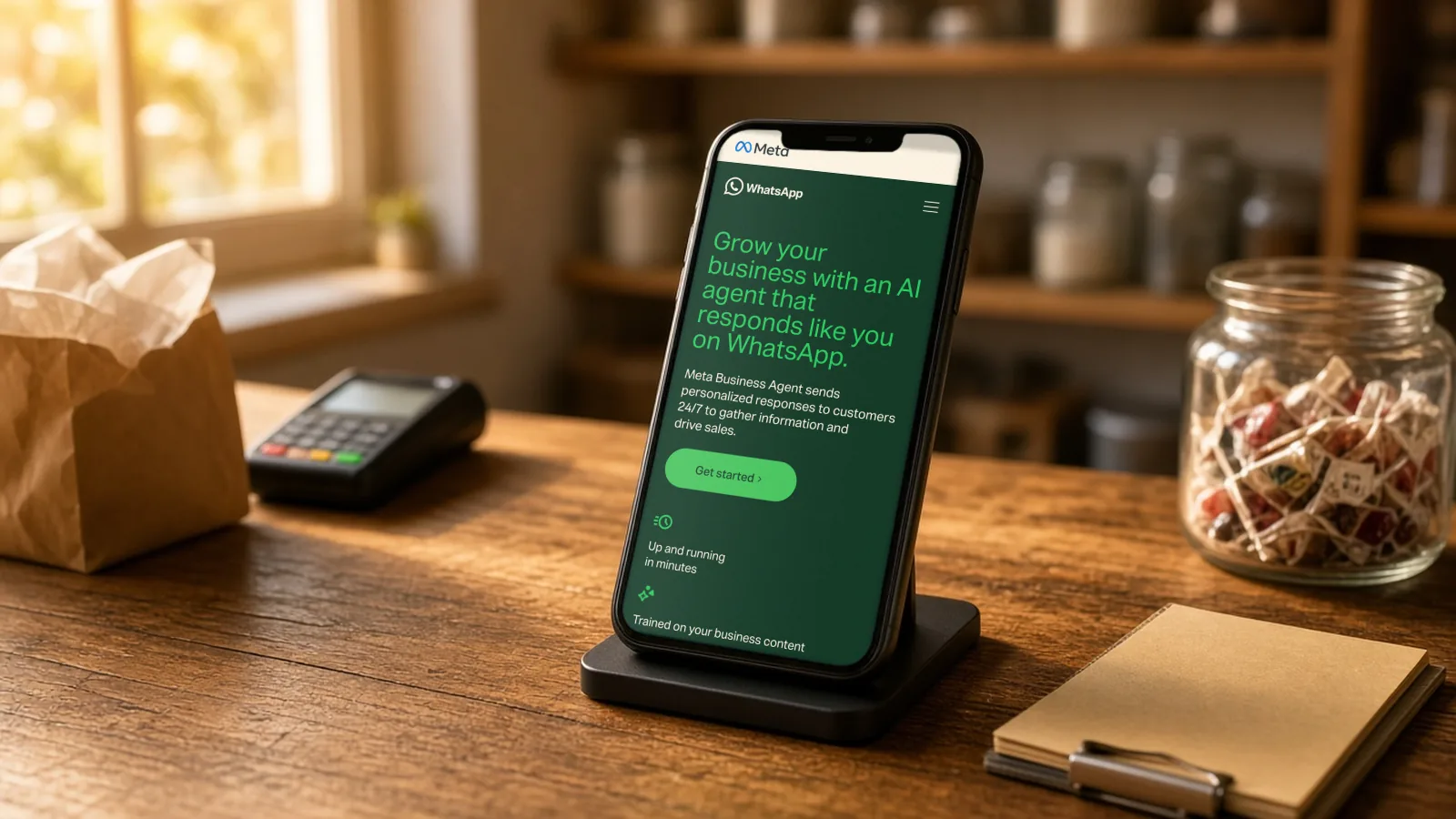
Research-based overview: we have not tested this hands-on yet, so there is no score. Facts come from the makers' own pages, linked below.
On this page
- The short answer
- Which option fits your business?
- Option 1: Meta Business Agent in the WhatsApp Business app
- Option 2: a no-code platform on the WhatsApp Business Platform
- Option 3: DIY with n8n or Make and the WhatsApp Cloud API
- What it costs: Meta’s per-message pricing explained
- The rule to know: no general-purpose AI bots
- Outside the US? Country notes
- What we tested
- Mistakes to avoid
- FAQ
The short answer
There are three ways to put an AI chatbot on your WhatsApp business number in 2026. Which one fits depends on your country, how many messages you get and how technical you are. We read Meta’s and each vendor’s own pages on 23 October 2026. All prices are in US dollars.
- Meta Business Agent, inside the free WhatsApp Business app. This is Meta’s own AI assistant. Meta says “getting started is free”, but it’s only open to selected businesses in some countries, and Meta has said paid subscriptions are coming.
- A no-code platform on the official WhatsApp Business Platform, such as Wati or respond.io. You get a shared team inbox, broadcasts and AI replies. Cost flag: Wati starts at $59 a month and respond.io at $79 a month, both billed yearly, and Meta’s per-message fees are charged on top.
- A DIY build with an automation tool such as n8n or Make connected to WhatsApp’s Cloud API. Full control, but you pay for hosting, an AI model and Meta’s message fees, and it needs technical skills.
Whichever route you choose, Meta’s rules matter: since 15 January 2026, general-purpose AI assistants can’t use WhatsApp’s business tools as their main service. A business using AI to answer its own customers is a different case, explained below.
Research-based guide. We have not switched these tools on ourselves yet. Everything below comes from Meta’s and each vendor’s published pages, checked 23 October 2026. Check the live pages before you commit, because availability and prices change.
Which option fits your business?
| Meta Business Agent | No-code platform (Wati, respond.io) | DIY (n8n or Make + Cloud API) | |
|---|---|---|---|
| Starting cost | Free to start (paid plans announced) | From $59 or $79 a month billed yearly, plus Meta message fees | Hosting + AI model fees + Meta message fees |
| Where it runs | WhatsApp Business app on your phone | Official WhatsApp Business Platform (the API) | Official WhatsApp Business Platform (the API) |
| Team inbox | Not covered in the pages we read | Yes | You build it |
| Tech skill | Low | Low to medium | High |
| Availability | Limited countries and selected businesses | Most countries where the API is sold | Most countries where the API is sold |
| Best for | A solo owner or small shop answering common questions | A team handling many chats and sending broadcasts | A business with a developer that wants custom logic |
If you want help choosing or setting up options 2 or 3, AIFix automation builds WhatsApp workflows. That’s our own service.
Option 1: Meta Business Agent in the WhatsApp Business app
Meta announced Meta Business Agent on 3 June 2026. Meta says it can answer questions about your business, recommend products from your catalog, book appointments, qualify leads and hand chats to a team member when you choose. According to the product page, it learns from your Facebook Page, past chats and website.
Who can get it right now
Not everyone. Meta’s help page says it’s “only available in limited countries to select businesses”. There is a waitlist, but joining it doesn’t guarantee access, and there’s no set date. If you aren’t offered the waitlist, Meta says the agent isn’t available in your country yet. The product page says it’s “Available to eligible businesses in select markets, with additional markets launching soon”.
Meta didn’t list the countries on the pages we read.
How to set it up, step by step
On your phone, in the WhatsApp Business app (from Meta’s product page):
- Open Tools.
- Tap Meta Business Agent.
- Confirm it’s you (Meta asks you to authenticate).
- Link your business information, then tap Confirm.
On WhatsApp Web (from the WhatsApp Help Center):
- Open Tools, then AI agent.
- Scan the QR code with your phone.
- Tap Continue, then Accept.
Meta’s business help page adds that your number must be registered in the WhatsApp Business app, and you may need a product catalog, which you can create during setup. You’ll also be asked whether to share past chats so the agent can learn from them.
Teach it about your business
Meta’s help article on teaching the agent says you can add business information, point it to bestsellers and purchasing details, and add example replies, documents and images. The knowledge settings aren’t available on WhatsApp Web, so manage them from your main phone.
Spend time here. The agent can only be as accurate as what you give it. Put in your opening hours, delivery areas, prices and returns policy, and update them when they change.
Choose who it replies to
The set-up help page lists four options for AI replies:
- All new 1-1 chats.
- 1-1 chats except with contacts: people already saved in your phone still get you.
- 1-1 chats from ads: only people who message you from a WhatsApp ad.
- Paused for new chats but learning: it doesn’t reply, but keeps learning.
The middle option suits many small shops: regular customers reach you directly, and new enquiries get a quick AI reply.
Things that change when you switch it on
- It won’t jump into a live conversation. Meta’s help page says the agent won’t reply in an active chat until the chat has been inactive for 7 days. You can override this with “Restart AI replies in this chat”.
- Greeting and away messages switch off. The WhatsApp Help Center lists an article titled “Greeting and away messages are disabled when AI is onboarded”. If you rely on an automatic away message, plan for this.
- Language follows your phone number. Meta’s help page says: “The language that Meta Business Agent uses is determined by your business’s phone number.” Meta’s announcement talks about replying in customers’ “local languages”, while an older help article says only English, Spanish and Portuguese are supported. We can’t confirm the current list.
- Other connections. The help centre also lists articles about connecting Google Calendar and Google Drive. We haven’t read those, so we can’t say what they do.
What it costs
Meta’s June 2026 announcement says: “getting started is free. In the coming months, businesses will access the agent through paid subscription offerings.” We didn’t find a price on the pages we read, so whether a fee applies today is unconfirmed. Check the app or the product page.
How to pause or turn it off
Meta’s pause help page says you can’t pause or delete the AI from WhatsApp Web. Use the WhatsApp Business app on your phone and open the AI settings under Tools. You can also switch the reply setting to “Paused for new chats but learning” if you only want a break.
Option 2: a no-code platform on the WhatsApp Business Platform
The WhatsApp Business Platform (often just called “the API”) is the official route for businesses that need more than one phone. Platforms such as Wati and respond.io connect to it and give you a web dashboard with a shared inbox, broadcasts, chatbot builders and AI features. You pay the platform’s subscription and Meta’s message fees.
Wati
From Wati’s pricing page, checked 23 Oct 2026:
| Plan | Price (billed yearly) | Users | AI and automation |
|---|---|---|---|
| Growth | $59 a month | 3 | 250 AI Co-pilot credits, 1,000 automation triggers |
| Pro | $119 a month | 5 (extra users $39 each) | 500 AI credits; Astra AI Agents are an add-on priced separately |
| Business | Custom | Custom | Custom |
Wati offers a 7-day free trial and says there are zero setup fees. Extras listed: additional WhatsApp numbers at $29 a month each, an AI credits add-on at $30 a month, and a Shopify integration at $4.99. WhatsApp message charges are extra, at Wati’s own rate card. We couldn’t confirm the monthly-billing prices.
Cost flag: the $59 is a yearly commitment, and the AI agent that replies to customers on its own (Astra) is not included in Pro; it’s a separate add-on.
respond.io
From respond.io’s pricing page, checked 23 Oct 2026, in US dollars:
| Plan | Billed yearly (per month) | Yearly total | Monthly billing |
|---|---|---|---|
| Starter | $79 | $948 | About $99 (unconfirmed) |
| Growth | $159 | $1,908 | About $199 (unconfirmed) |
| Advanced | $279 | $3,348 | About $349 (unconfirmed) |
| Enterprise | Custom | Custom | Custom |
The monthly figures are our sums from the struck-through yearly prices on the page ($1,188, $2,388 and $4,188), so check the live toggle.
respond.io offers a 7-day free trial with no card needed, and Starter includes 5 users. Its FAQ says Starter is for people who handle chats themselves, while Growth “introduces chat automation and AI”. respond.io’s pricing page says “WhatsApp fees are not included in any respond.io subscription.”
Cost flag: at $79 a month billed yearly, Starter is $948 up front, before Meta’s message fees. If you want AI-driven automation, respond.io points you to Growth at $159.
Tidio
Tidio’s free plan lists WhatsApp as a channel. We covered Tidio and its Lyro AI in our Tidio Lyro review, where Lyro on WhatsApp was still untested.
Option 3: DIY with n8n or Make and the WhatsApp Cloud API
If you have a developer, you can connect the WhatsApp Cloud API (Meta’s hosted version of the Business Platform) to an automation tool and an AI model of your choice. A typical flow: a customer message arrives, your workflow looks up your product sheet or booking calendar, an AI model drafts the reply, and the workflow sends it back or passes the chat to a person.
What you’ll need, in outline:
- A Meta developer app and, usually, business verification.
- An automation tool. Compare the options in our n8n vs Make vs Zapier guide.
- An AI model account with its own usage fees.
- Somewhere to host the workflow if you self-host n8n.
We haven’t verified the current Meta developer steps or node names, so follow Meta’s and your tool’s own documentation.
This route gives you the most control, and it also puts you in charge of following Meta’s rules (see below).
What it costs: Meta’s per-message pricing explained
If you use the WhatsApp Business Platform (options 2 and 3), Meta charges per message. The rules, from Meta’s pricing page:
- You’re charged when a message is delivered, not when it’s sent.
- Messages fall into four categories: marketing (offers, announcements), utility (order updates, receipts), authentication (one-time passcodes) and service (replies to customer questions).
- Service messages are free inside the 24-hour customer service window, and that window resets each time the customer messages you.
- Utility messages are free when sent in reply to a customer inside that window.
- When a customer messages you from a Click-to-WhatsApp ad or a Facebook Page button, messages are free for 72 hours.
- Volume tiers lower some rates as you send more.
The rate depends on the customer’s country and the category. Meta shows them in a selector on its pricing page; we haven’t quoted figures here because they vary by market and change. Check your own market.
In practice, a business that mostly answers customer questions inside 24 hours pays little to Meta. A business that sends regular marketing broadcasts pays for every one delivered.
The rule to know: no general-purpose AI bots
On 15 January 2026, WhatsApp’s Business Solution Terms added an “AI Providers” clause. The current Meta Terms for WhatsApp Business Platform (last modified 23 September 2026, section 4.7) say providers of general-purpose AI, such as chat assistants and large language models, may not use the platform to offer that AI when it’s the “primary (rather than incidental or ancillary) functionality”.
What this means for you, in plain terms:
- The rule targets companies whose product is the AI assistant itself.
- The terms say exceptions apply in certain countries. Press reports have named Italy and Brazil.
- The terms say you may still hire an AI company as a “Solution Provider” to help run your business messaging, with limits on how your data can be used to train AI.
- Meta has publicly described businesses using AI to serve their own customers (support, sales, bookings) as a different case. That reading comes from Meta’s statements to the press, not from the wording of the terms.
We aren’t lawyers and this isn’t legal advice. If AI is central to what you sell, read the current terms or ask a lawyer.
Outside the US? Country notes
- Everywhere: Meta Business Agent availability depends on your country and number. Platform message rates depend on your customer’s country.
- Prices: Wati and respond.io show prices in US dollars. Local taxes may apply.
- Language: the Business Agent’s language follows your business phone number. If your customers write in Urdu, Hindi, Arabic or another language, test before relying on it.
- Country note, India: third-party reports say Meta’s business AI launched in India in May 2026. We haven’t found an official page confirming it.
- Country note, Pakistan: we haven’t confirmed whether Meta Business Agent is available. The Business Platform route (options 2 and 3) doesn’t depend on that.
- EU and UK: customer chats are personal data under data-protection law. Tell customers when they’re talking to AI and keep only what you need.
What we tested
Nothing yet. Before we update this guide, we plan to:
- Check from Pakistan whether “Meta Business Agent” appears under Tools on a test number, and whether the waitlist works.
- If it’s available, teach it five facts and ask ten scripted customer questions in English and Urdu.
- Confirm the pause steps and whether away messages switch off.
- Connect a number on the Wati and respond.io free trials (no card), stopping before any paid step.
- Look up message rates for a few markets in Meta’s selector.
Mistakes to avoid
- Letting the AI quote old prices. Update its knowledge whenever prices or hours change.
- No route to a human. Keep a clear handoff for complaints, refunds and anything sensitive.
- Spammy broadcasts. Marketing messages cost money on the platform, and customers can block or report you.
- Forgetting the 24-hour window. Replies inside it are free; messages after it need an approved template and may be charged.
- Not telling customers it’s AI. Be upfront.
If you’d like a WhatsApp assistant connected to your catalog, bookings and team inbox without building it yourself, AIFix automation can set it up. That’s our own service.
FAQ
Is there a free WhatsApp AI chatbot?
Meta Business Agent is free to start in the WhatsApp Business app, where it’s available, and Meta has said paid subscriptions will follow. Platforms such as Wati and respond.io offer 7-day trials, then charge a subscription plus Meta’s message fees.
Can I use ChatGPT on my WhatsApp business number?
Not as a general-purpose assistant: Meta’s terms bar AI providers from offering general-purpose AI as the main service on the platform. A business can use AI tools behind the scenes to answer its own customers, through a platform or a developer build. Check the current terms.
How do I turn off the WhatsApp Business AI agent?
Use the WhatsApp Business app on your phone; Meta says you can’t pause or delete it from WhatsApp Web. You can also set replies to “Paused for new chats but learning”.
Does the AI reply in Urdu, Hindi or Arabic?
Unconfirmed. Meta says the language is set by your business phone number, and its pages disagree on which languages are supported. Test it first.
Why did my away message stop working?
Meta’s help centre lists an article saying greeting and away messages are disabled when the AI is switched on.
Do I pay Meta for every message?
Only on the WhatsApp Business Platform, and only for delivered messages in paid categories. Service replies inside the 24-hour window are free, as are messages for 72 hours after a customer clicks a Click-to-WhatsApp ad.
Is Wati or respond.io cheaper?
On yearly billing, Wati Growth is $59 a month and respond.io Starter is $79 a month. The plans include different users and AI features, and both add Meta’s message fees.
Sources
- Be There for Every Customer With Meta Business Agent (3 Jun 2026), Meta (checked 23 Oct 2026)
- How to set up Meta Business Agent, WhatsApp Help Center (checked 23 Oct 2026)
- How to pause or disconnect Business AI, WhatsApp Help Center (checked 23 Oct 2026)
- How to teach Meta Business Agent, WhatsApp Help Center (checked 23 Oct 2026)
- Meta Business Agent on WhatsApp (product page), WhatsApp for Business (checked 23 Oct 2026)
- WhatsApp Business Platform pricing, WhatsApp for Business (checked 23 Oct 2026)
- Meta Terms for WhatsApp Business Platform (section 4.7, AI Providers), Meta (checked 23 Oct 2026)
- WhatsApp Business Solution Terms (modified 15 Jan 2026), WhatsApp (checked 23 Oct 2026)
- WhatsApp excludes Brazil from rival chatbot ban (context, third-party report), TechCrunch (checked 23 Oct 2026)
- Wati pricing, Wati (checked 23 Oct 2026)
- respond.io pricing, respond.io (checked 23 Oct 2026)
- AIFix automation, AIFix (checked 23 Oct 2026)
This post was drafted with help from an AI assistant, then checked, edited and approved by Numan Malik.
Numan Malik, Founder, AIFix. Reviewed and approved by Numan before publishing. More about Numan · Editorial policy